


The reps nobody sees. When the work piles up, the difference between stalling and scaling comes down to the unglamorous extra reps you put in after everyone else has gone home.
The Reps Nobody Sees
I coached a fifteen-year-old softball player who could not throw, could not run, and could not hit. Nobody on that field would have given her a shot at starting, much less playing college ball. What she did was simple and not glamorous. She stayed when everybody else went home. She did the extra reps before practice and after practice, over and over, for years. She earned her starting spot. She is now in her third year of college softball.
Most people wrote her off because they thought she did not have the skill or the time.
The business owners I work with have plenty of skill. What they do not have is time. The work keeps coming, and it piles up when a team member needs something, a client escalates, or a proposal goes out that afternoon.

Before you open any AI tool, start with a piece of paper. The three things that feel embarrassing to name are usually the ones worth taking into the conversation.
The Three-Things-on-Paper Start
I write down my top priorities every single day, and the one thing I am supposed to accomplish that day. I have done some version of that for a long time. What I started testing recently is taking those items one step further, into an actual AI conversation instead of just writing them down and moving on.
The difference is significant.
When I asked Joe Newberry what someone should do in the next 30 days, he did not start with an AI tool. He said it starts with a piece of paper. His exact framing: “What are the three things where I’m struggling? Where I need help? What are those three things that if I could address this right now, if I could change this thing?”
Before you open any AI tool, get a piece of paper. Write down the three things that, if you could address them right now, would make the biggest difference in how your business runs. Not the things on your task list. The things underneath the task list. The things that keep showing back up no matter how many weeks go by. Maybe it is a KPI that has stalled. Maybe it is a relationship on the team that is not working. Maybe it is a prospecting process that does not exist yet.
Be specific. A vague entry like “get more clients” is not one of your three things. “I have no repeatable process for following up with warm leads after the first call” is.
Once you have your three things written down, open your AI tool of choice and use this prompt:
You are a business advisor with deep experience helping owners and executives identify where their operations, team, or strategy are breaking down and what to do about it. I want your help thinking through three specific areas where my business is not working the way it needs to. Here are my three things: [paste Thing 1, 2 to 3 sentences describing the problem], [paste Thing 2], [paste Thing 3]. Start with Thing 1. Ask me up to 5 clarifying questions one at a time to understand the situation fully, then give me your honest assessment of what is actually causing this, whether and how AI could help address it, and what the single most important first step would be in the next 30 days.
10-15 min total
The whole thing, from paper to AI conversation opening, takes 10 to 15 minutes. Five minutes for the paper exercise. Ten minutes for the AI conversation before the back-and-forth begins.
The honest part is writing down what is actually true, not what looks good. The three things that feel embarrassing to name are usually the ones worth taking into the conversation.
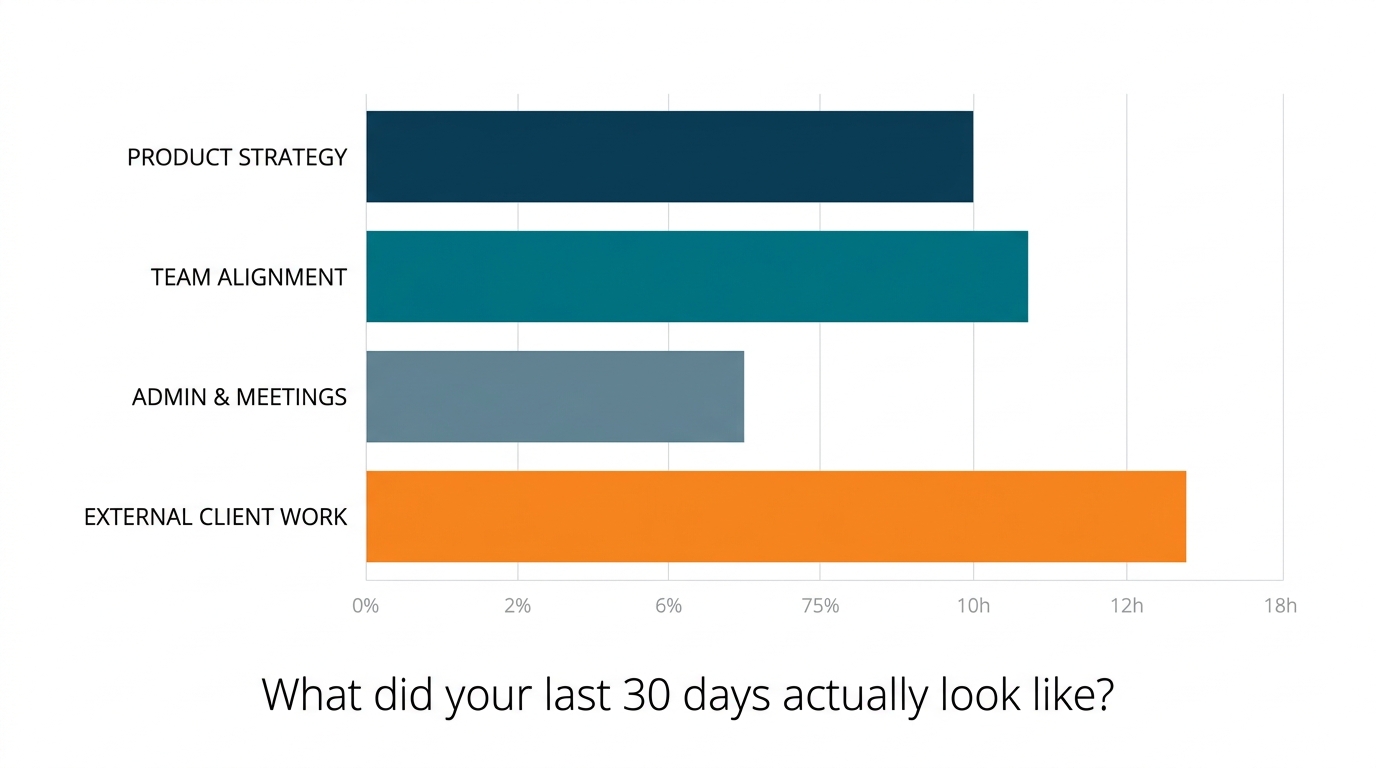
Memory tells us a version of the week we can live with. The log tells us what actually happened. Track your time in real time, not from memory at 5 PM.
The 30-Day Time Audit
I did a big analysis of my time not too long ago. While I have tracked my hours for years, I never stopped to analyze whether my time was focused on the things that matter most to my business. What I found was that more than half my day is going to things that do not generate 80% of the value.
Joe Newberry tracked his own time to the minute over 30 days in his VP of Sales role. What he found was that 60% of his decisions and tasks did not require his level of involvement to resolve. That was Joe’s number, in his role. But it is probably not as far from our own number as we would like to believe.
What the data tends to show is not just where the hours went, but why the things that matter most kept not getting there.
- Download a time-tracking app. Joe used one from the iOS App Store. Any app that lets you start and stop timers by activity category works. The specific tool matters less than using it in real time, not reconstructing the day from memory at 5 PM.
- Set up four categories before you start. Label them: (a) Strategic work that only I can do, (b) Team questions and decisions that came to me, (c) Administrative and operational tasks, (d) Everything else. These four are enough. Do not add more.
- For the next 30 days, log every block of work as you do it. Start the timer when you switch tasks. Stop it when you switch again. Do not reconstruct at the end of the day. The data is only useful if it reflects what actually happened, not what you remember happening.
- At the end of each week, pull the summary. Do not analyze it yet. Just look at where the hours went. Let the number sit for a day before you do anything with it. This is a one-day buffer, not an additional commitment. It just means you pull the summary one day before you plan to review it.
- At the end of 30 days, take your full summary into an AI conversation using this prompt:
You are a time management advisor with deep experience helping business owners and executives identify where their time is going and refocus their highest-value hours on the work that actually drives the business. Here is a summary of how I spent my time over the last 30 days across four categories: [paste your summary here]. Ask me up to 3 clarifying questions one at a time to understand my role and context. Then give me your assessment of: which of these activities genuinely required my specific experience and judgment, which ones could have been handled by someone else on my team or handled differently, and what the data suggests about where my highest-value hours actually went this month.
5 min setup, 2-3 min/day, 20-30 min review
Setup takes about 5 minutes. From there, 2 to 3 minutes per day to log work in real time. At the end of 30 days, set aside 20 to 30 minutes to review the summary and run the AI conversation.
The data does not rationalize. That is the whole point. Memory tells us a version of the week we can live with. The log tells us what actually happened.
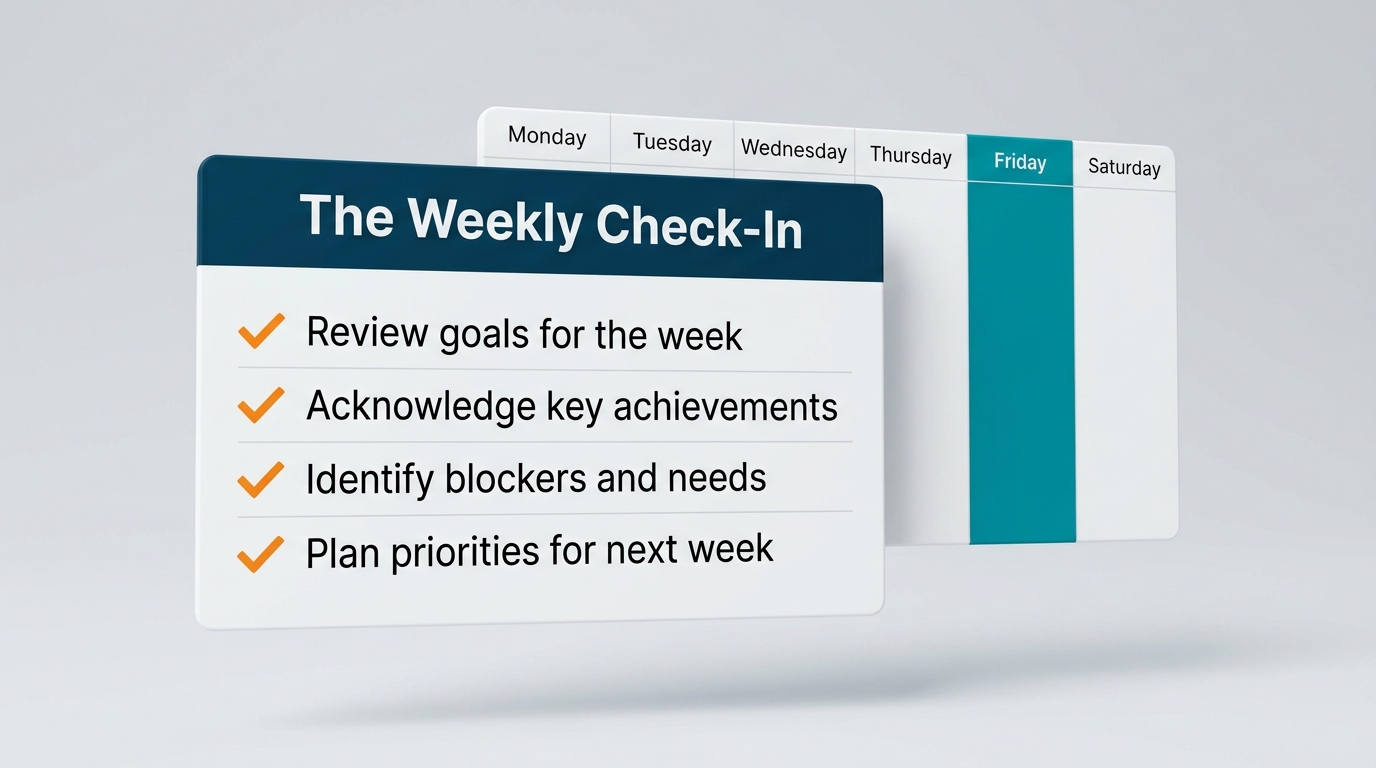
We know we avoided something, but we rarely know how long the pattern has been running. Set aside 15 minutes at the end of the week to surface your blind spots.
The Blind Spot Detector
Joe Newberry described something his AI surfaced that he had not been able to see on his own. It noticed that he took seven days longer on average to respond to one specific person in his inbox than to anyone else. And it asked him why. He says he knew he had been delaying. He did not know it had become a seven-day pattern.
That is the kind of thing we cannot see from inside the week. We know we avoided something. We do not know how long the pattern has been running.
I have not done this check-in a lot yet. I am running something very similar through my evaluation of my time audit, and it is newer territory. But what Joe described is exactly the kind of pattern that lives underneath the data, and the weekly check-in structure is a way to surface it without needing a full 30-day audit every time. One of the questions usually surfaces something about where AI was available to help and did not get used. That is worth knowing too.
Set aside 15 minutes at the end of each week. Friday afternoon or Sunday evening works for most people. Before you open any AI tool, write down honest answers to these four questions on paper:
- Which items from my list got pushed more than once this week?
- Which conversations or people did I avoid or delay responding to?
- Which decisions did I make this week that I was not confident about?
- What did I spend time on this week that I would not have, if someone had asked me in the moment whether it was the best use of my time?
Do not filter your answers. The ones that feel embarrassing to write down are usually the most useful ones.
Then open your AI tool and use this prompt:
You are a direct and honest advisor whose job is to help me identify patterns in my own behavior that I cannot see from inside the week. I am going to share observations from this week. Your job is not to make me feel better about them. It is to ask follow-up questions that help me understand what might actually be causing these patterns, and then give me your honest assessment of what they suggest about how I am spending my time and attention. Here are my observations: [paste your answers to the four questions above]. What patterns do you notice? Ask me up to 3 clarifying questions one at a time before you give me your full assessment.
15 min/week
The whole check-in takes 15 minutes per week. Five minutes to answer the four questions honestly on paper before opening AI. Ten minutes for the AI conversation. The value builds across weeks. By week four, the pattern recognition is meaningfully clearer than what the AI can see in week one.
Run this for four consecutive weeks before drawing conclusions.
This Week
I am doing regular 30-day time audits right now to see where my time is going and what it is turning into, and evaluating what my highest-value hours actually are. The three things on paper I am just starting to test and bring into a conversation, because I already write down every single day the top priorities for the day, along with the one thing I am supposed to accomplish that day. The blind spot detector is something new. I have not done this a whole lot yet, and I am running something very similar through my evaluation of my time audit.
Pick one of the three and do the first run this week.
Drop what you find in the comments. I will reply.
The full conversation with Joe Newberry is in Episode 106 of the Digital Velocity Podcast. The companion article is here.